DeltaMath Pacing Tips: How to Stay on Track With Assignments
How to pace DeltaMath assignments and stay on track: how assignments are created, submitted, reset, copied and printed, plus habits for steady progress.
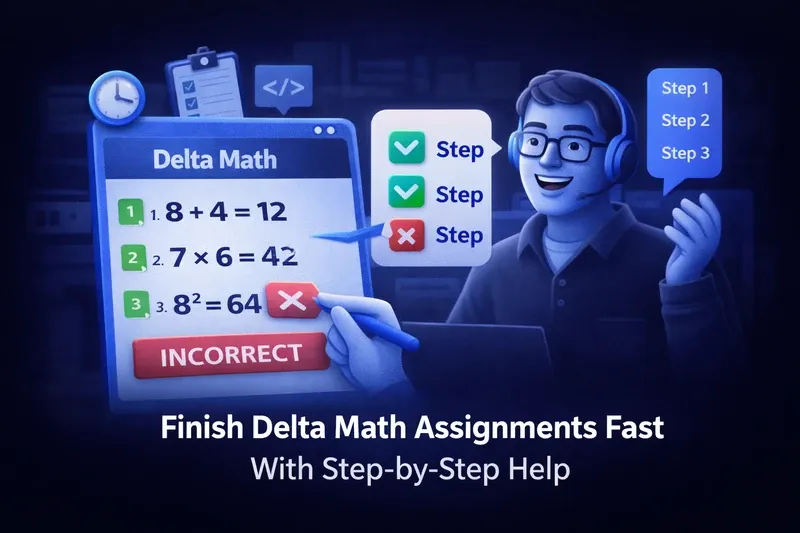
DeltaMath assignments can pile up, especially when a single skill requires several correct responses in a row. Penalty settings, formatting rules and firm due dates make it easy to fall behind. This guide explains how DeltaMath assignments work from start to finish and how to pace yourself so you stay on track, with step-by-step help when you get stuck.
How an Assignment Is Created in Delta Math
Knowing how a Delta Math assignment is put together helps you plan your time. Here is how teachers build one and which settings shape your experience.
Understanding the Teacher Setup Process
Teachers go to Create/Edit, start a standard assignment, name it, choose the target classes and pick skills from the DeltaMath library. Each skill can be set with its own number of required correct responses and attempt limits.
Personalizing Skills and Settings
When creating a Delta Math assignment, the teacher also sets due dates, decides whether help videos are available, and chooses whether worked solutions appear after each question. Knowing these settings explains why some assignments take much longer than others, and helps you budget your time.
How to Submit an Assignment on Delta Math
Many students wonder how to submit an assignment on Delta Math. There's less to it than you might think, but the deadline details matter.
Responses Are Recorded as You Go
Unlike platforms with a final submit button, DeltaMath records each response as you enter it. Once you reach the required number of correct responses on every skill, the assignment is marked complete. There is no separate submission step.
What Happens After the Due Date
If you miss the deadline, your grade reflects only what you finished in time. Whether late work earns partial credit depends entirely on your teacher's settings, which is why steady pacing ahead of the due date matters.
How to Reset, Redo, or Restart a Delta Math Assignment
Got off on the wrong foot? You're not alone. Here's what you need to know about resetting a Delta Math assignment and the options you have.
Requesting a Reset From Your Teacher
Only teachers can reset assignments, not students. If you need to redo or restart a Delta Math assignment, ask your teacher. They go to Student Data, choose your name, and click Reset Assignment.
Using Remaining Attempts Instead
A reset erases all of your progress on that assignment. Some teachers use small penalties or allow extra tries, which lets you keep practicing without a reset. Check whether you have attempts left before asking for one.
How to Copy and Print a Delta Math Assignment
DeltaMath has built-in tools that let teachers reuse and share assignments. Here's how copying and printing work.
Copying Assignments Across Classes
Teachers who want to reuse content can use the Delta Math copy assignment feature. From the assignments list page, an assignment can be duplicated into their own classes or into the account of another teacher they share with.
Printing Assignments to PDF
To print a Delta Math assignment, teachers on the INTEGRAL tier can click the print icon to generate a PDF with an optional answer key and QR code. Printed questions may differ from the digital version unless the "Assign THIS Problem" feature is used.
Pacing Tips to Stay on Track With Delta Math
Understanding the platform is half the battle. These habits help you make steady progress on DeltaMath homework without sacrificing understanding.
Spread the Work Across Several Sessions
Look at the due date and the number of skills as soon as an assignment is posted, then split the work into shorter sessions over several days. A few focused problems each day builds skill more reliably than one late-night session before the deadline.
Watch Help Videos Before Attempting Each Skill
DeltaMath offers instructional videos for most modules. Watching a two-minute video before starting a skill saves you from losing your streak on problems you haven't fully understood yet.
Use Step-by-Step Explanations When You're Stuck
When a problem has you stuck, a step-by-step study tool for Delta Math walks you through the reasoning behind each problem, so you learn the technique and can keep moving on the assignment. Not all tools are dependable; read Are Free Delta Math Help Tools Actually Reliable before relying on one.
Pay Attention to Formatting
Having correct math rejected because of a formatting slip wastes attempts and time. Use DeltaMath's math keyboard for fractions, exponents and radicals, and simplify as far as the problem requires before you submit.
Conclusion
Staying on track with Delta Math homework comes down to understanding the platform and building steady study habits. Knowing how the system works, from how an assignment is created to how a reset happens when things go wrong, saves a lot of confusion. Combine that with the assignment's instructional videos and step-by-step explanations from SkipDelta, and even the most challenging homework becomes something you can work through and understand.
Frequently Asked Questions
How do I submit a completed assignment on Delta Math?
DeltaMath has no manual submit button. Responses are recorded as you go, and once you reach the required number of correct responses on every skill, the assignment is marked complete.
Can I reset or restart a Delta Math assignment on my own?
No, only your teacher can reset a Delta Math assignment. Ask your teacher to clear your progress through Student Data. A reset removes all of your past work so you start over.
How do teachers copy a Delta Math assignment to another class?
Teachers can use the Delta Math copy assignment feature by going to the assignment list, choosing the assignment and clicking the copy icon. This duplicates it into another class or shares it with other teachers.
Can formatting errors slow down my Delta Math assignment?
Yes, significantly. A correct result in the wrong format counts as incorrect and can trigger penalties that add more problems. Use DeltaMath's math keyboard and simplify fully before submitting to avoid unnecessary streak resets.
How should I pace a Delta Math assignment?
Check the due date and the number of skills early, split the work into short sessions, watch the help video before each new skill, and use step-by-step explanations when you get stuck. Steady sessions lead to fewer mistakes than cramming the night before.